Introduction
A new freelancer once spent her entire first paycheck on five different premium marketing tools, convinced professional software was the missing ingredient behind bigger, more established competitors. Months later, she realized she was barely using most of them, while a single free tool she’d initially overlooked was doing ninety percent of the actual heavy lifting. Tools matter, but knowing which ones genuinely matter matters even more.
We just explored how to land your first freelance client. Now let’s look at the practical toolkit worth building early, so you can actually deliver strong work once that first opportunity arrives.
How to Start Your Career with Zero Experience

Most entry-level job listings ask for one to two years of experience, which understandably feels contradictory for someone just starting out. But here’s what often goes unnoticed: much of that “experience” requirement is really just a shorthand for proof that you can actually do the work, not necessarily proof that you’ve held an official job title before.
Once you understand that distinction, the path forward becomes far clearer — you don’t need a job to gain proof of skill. You need real, demonstrable work, regardless of who paid you for it.
Why Tool Choice Deserves Careful Thought
It’s tempting to assume more expensive, more advanced tools automatically produce better results. In reality, most beginners genuinely need only a small handful of reliable tools, used consistently and well, rather than an overwhelming collection of software that ends up mostly unused.
The goal isn’t collecting tools — it’s choosing the smallest, most effective set that lets you actually execute your work confidently.
Analytics and Data Tools
Google Analytics — As covered earlier in this series, this free tool remains the standard for understanding website visitor behavior, and is genuinely essential for anyone working in digital marketing, regardless of specialization.
Google Search Console — A free companion tool that shows exactly how your website performs specifically within Google search results, including which search terms bring in visitors.
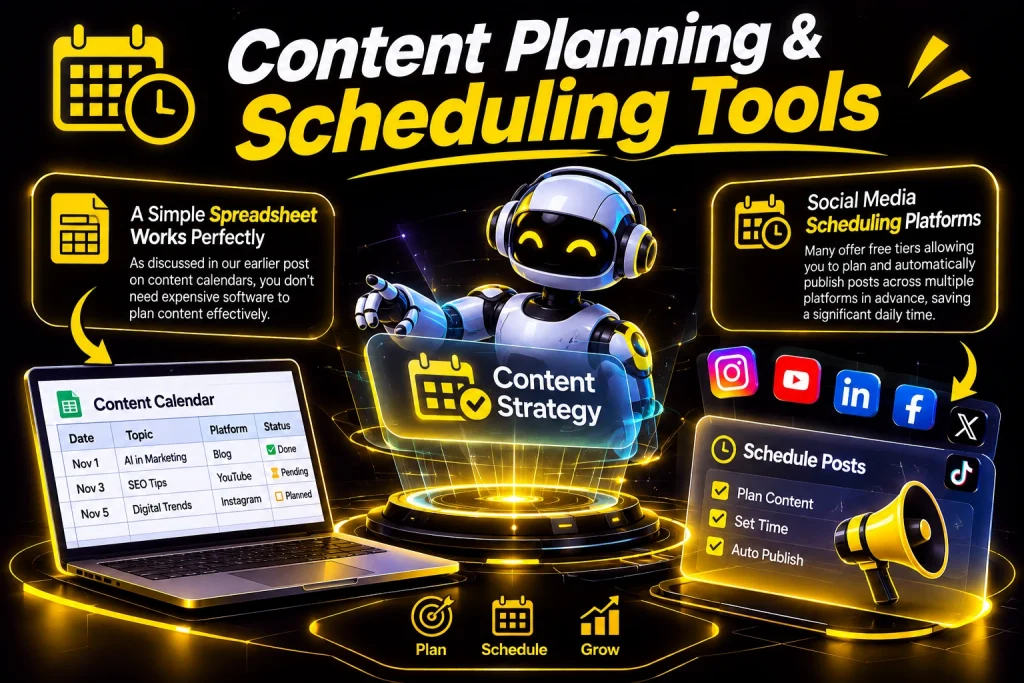
A simple spreadsheet or free planning tool — As discussed in our earlier post on content calendars, you don’t need expensive software to plan content effectively; a well-organized spreadsheet works perfectly well for beginners.
Social media scheduling platforms — Many offer free tiers allowing you to plan and automatically publish posts across multiple platforms in advance, saving significant daily time.
Design Tools
Free, browser-based design platforms — Modern design tools have made it possible to create genuinely professional-looking graphics without needing traditional, expensive design software or advanced technical skill.
Stock photo and video libraries — Many platforms offer free, high-quality images and video clips, useful when you don’t have original photography or footage available.
SEO and Keyword Research Tools
Free keyword research tools — Several platforms offer limited free access to see approximately how often specific search terms are used, helping guide which topics are genuinely worth writing about.
Basic website audit tools — Free tools exist that scan your website and highlight simple technical SEO issues, like slow loading speed or missing page descriptions.
Email Marketing Tools
Free-tier email marketing platforms — Most major email tools offer a free plan for smaller subscriber lists, allowing beginners to build and manage an email list without upfront cost until it grows significantly.
AI-Assisted Tools
As covered earlier in our AI-focused section, generative AI tools have become genuinely useful for brainstorming, drafting, and speeding up content creation — provided outputs are always fact-checked and refined with your own voice and judgment before publishing.

Smart Ways to Choose What You Really Need
Start with your specific focus area. Someone specializing in social media doesn’t necessarily need advanced SEO software immediately, while someone focused on content writing may prioritize keyword research tools first.
Choose free versions first.Most new people can do an amazing amount of things just using the free options. They only move to the paid versions when a specific problem starts to stop them from doing what they want.
Avoid tool-hopping. Constantly switching between different platforms searching for a “better” option often wastes more time than simply committing to learning one solid tool thoroughly.
A Simple Example
Imagine a beginner freelancer who works on media management for small local businesses. Of buying several expensive and advanced platforms right away she starts with a free scheduling tool, a free design platform for making simple graphics and Google Analytics to see how her content affects website traffic for clients who have a website.
As her client base grows and her needs become more specific — managing multiple accounts simultaneously, for instance — she eventually upgrades to a paid scheduling tool offering more advanced features, but only once her actual workload clearly justified the added cost.
How to Avoid Mistakes When Using Digital Tools
Buying tools, before understanding basic fundamentals.
Advanced software does not replace understanding of strategy and audience – it simply executes your decisions faster once you already know what you are doing.
Assuming more tools automatically mean results. A small used toolkit consistently outperforms a large underutilized collection of software subscriptions.
Ignoring trials before committing to paid plans. Testing a tool thoroughly during a trial period helps confirm it genuinely fits your workflow before committing financially.